User Module Setup
Mango includes many built-in components for composing custom dashboard pages, but occasionally you may need to extend the available tools by writing your own AngularJS code. The User Module feature lets you add custom Angular components, directives, filters, and controllers without building a full Java module. This approach is ideal for lightweight customizations that do not require server-side Java logic or a full module build pipeline.
Setting Up a User Module
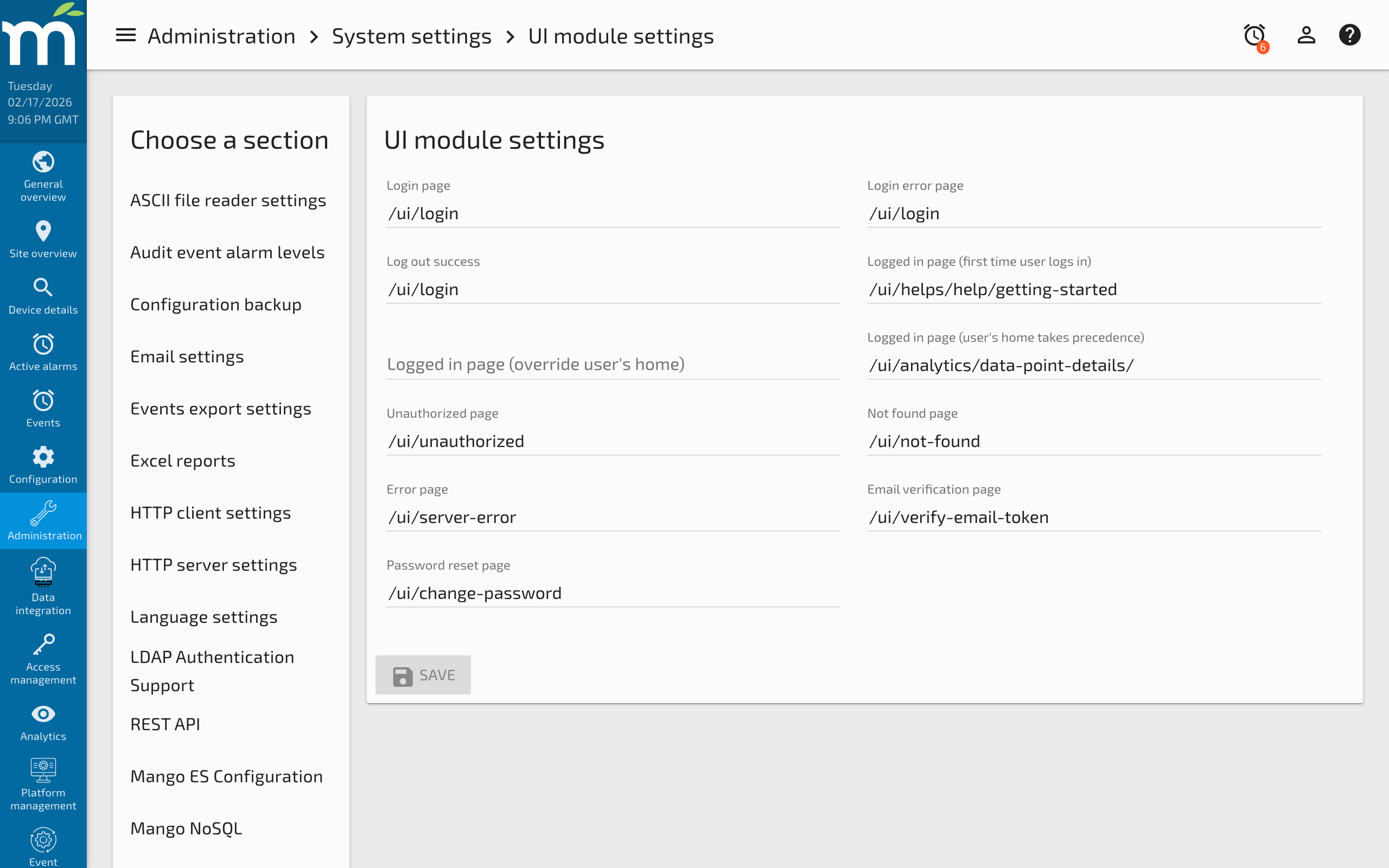
To get started you will first need to go to UI Settings page which can be found under the Administration section of the menu on your Mango system. Scroll down to the Miscellaneous settings section and click the paper clip icon on the User module URL input.
The Choose file dialog will open and you will then want to click the plus icon to add a new file. Give it a name like userModule.js.
Click OK and the file will open in a code editor. You will then want to insert the following code which is the scaffold for defining a User Module.
define(['angular', 'require'], function(angular, require) {
'use strict';

var userModule = angular.module('userModule', ['maUiApp']);

userModule.component('myComponent', {
    bindings: {
        name: '@?'
    },
    template: '<span>Hello {{$ctrl.name}}</span>'
});

return userModule;

}); // define
In the code above we add a simple AngularJs component that has a name input and displays 'Hello ${name}' when used on a page. You can further add any components, directives and filters to your userModule in this file.
After you are done editing your module code you will want to click the Save icon to save the file, then click OK on the file dialog. You should then see the file selected in the User module URL input as shown.
You will also need to click Save at the top of the UI Settings page to apply the userModule. After this is done the first time you will only need to save userModule.js and refresh your custom page for modifications to take effect.
Using Your Custom Component
Your custom components and directives will show up in the Dashboard Designer under User components. You can then drag and drop the component onto the designer canvas and edit it's Element specific attributes.
If you want to use your custom components on custom html page you can simply insert the html tag.
<my-component name="John"></my-component>
Related Pages
- UI Development Process — Full module development workflow for more complex frontend features
- Dashboard Designer Basic Usage — Use the drag-and-drop designer with your custom components
- Custom Views with AngularJS — Tutorial on building custom AngularJS components in Mango
- Adding an AngularJS Frontend — Full Java module approach for adding AngularJS pages