MQTT Sparkplug
Mango includes an MQTT data source that implements the Sparkplug specification. Sparkplug is an open-source software specification that provides MQTT clients a framework to seamlessly integrate data from applications, sensors, devices, and gateways within an MQTT infrastructure. The specification has gained rapid industry adoption due to its decoupled architecture, lightweight report-by-exception model, and simplicity, making it a leading protocol in the Industrial Internet of Things (IIoT) space.
Why Sparkplug?
While MQTT offers scalability, security, and flexibility, the base protocol does not specify standards for topic namespaces, payload structures, or state management. This means applications consuming MQTT data must accommodate many different variants from different vendors. Sparkplug addresses this by creating a true plug-and-play MQTT environment:
- Defined MQTT Topic Namespace: All clients and hosts agree on a common namespace format, creating a vendor-neutral environment and removing the responsibility from system administrators to maintain strict naming conventions.
- Defined MQTT Payload: The Sparkplug specification goes beyond defining the payload format and includes all information required to create a digital twin of the edge device. This eliminates the need for custom parsers for each device vendor.
- Defined MQTT State Management: MQTT brokers track the state of each client using birth and death payloads. Edge devices can be configured to publish data only when the primary host is connected, reducing unnecessary messages and saving bandwidth and battery power.
Prerequisites
- Mango OS v4 or later: The MQTT Sparkplug data source is available on Mango OS v4 and comes pre-installed with the Mango Enterprise package.
- MQTT v3 Broker: Sparkplug currently requires an MQTT v3 broker. Popular options include Mosquitto, HiveMQ, and EMQ X.
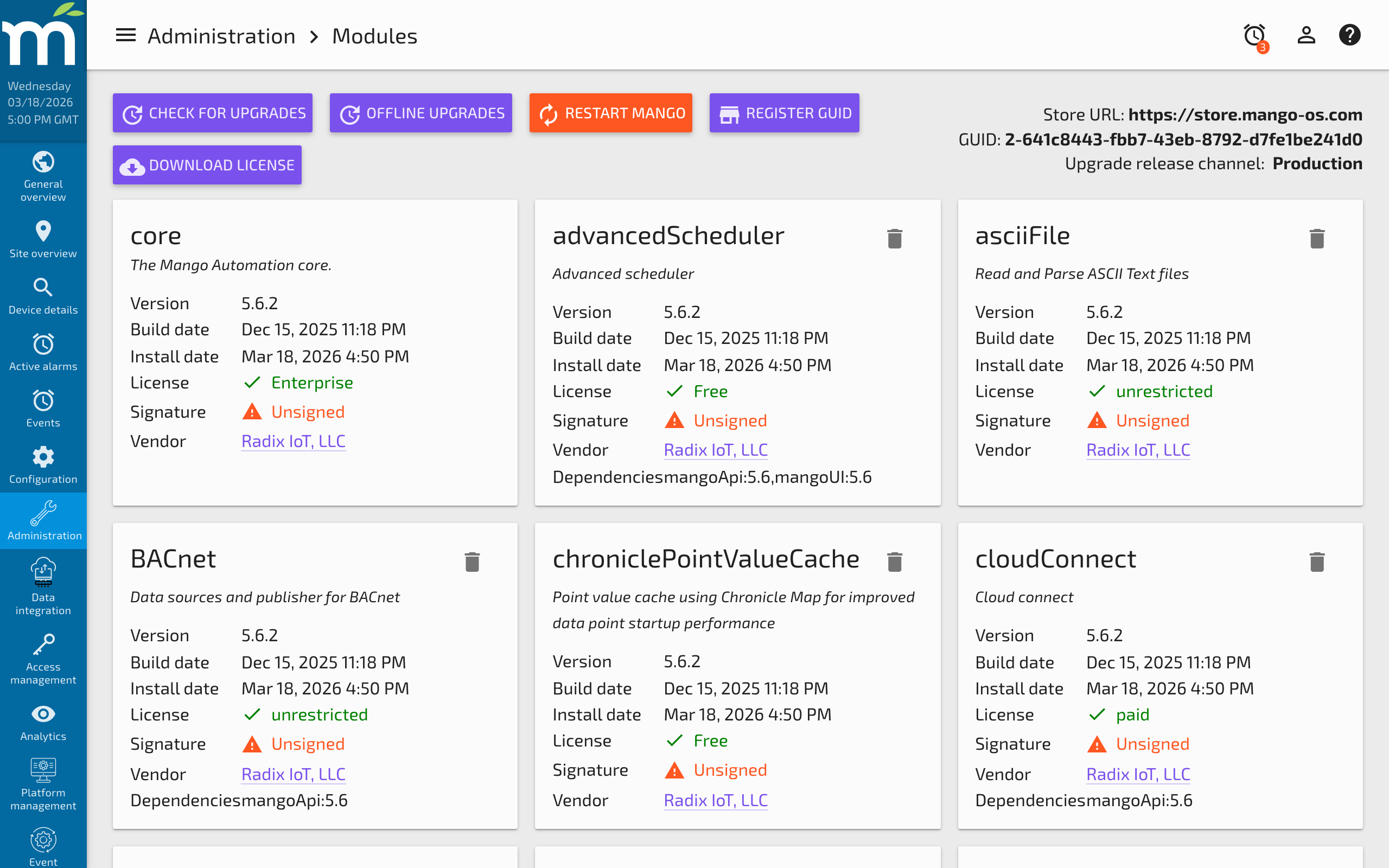
If the module is not visible on your modules dashboard, click the "Check for upgrades" button, select the MQTT Sparkplug module, and click "Upgrade/Install".
Creating an MQTT Sparkplug Data Source
Navigate to the Data Sources dashboard and select "Create data source". Choose MQTT Sparkplug from the type dropdown.
Connection Settings
| Setting | Description |
|---|---|
| Broker URL | The hostname or IP address of the MQTT broker, prefixed with the connection scheme. Use tcp:// for plain TCP or ssl:// for TLS encryption. Include the port number (e.g., tcp://localhost:1883 or ssl://localhost:8883). |
| Client ID | A unique identifier for this MQTT client across the entire broker. The broker uses this to store client state and it should remain consistent across restarts. |
| SCADA Host ID | Required by Sparkplug for any application host node that subscribes to and publishes Sparkplug messages. |
| Primary SCADA | Indicates whether this Mango instance is the primary SCADA host. In a typical system, only one primary host exists. Edge devices can be configured to publish only when a primary host is connected. |
| X509 CA | If using SSL, paste the CA certificate as plain text for server certificate verification. |
| Topic Filters | Restrict which topics the data source subscribes to. Useful for large deployments where only a subset of devices are relevant. |
Connection Behavior
| Setting | Default | Description |
|---|---|---|
| Auto reconnect | false | Automatically reconnect if the connection is lost. Initial retry delay is 1 second, doubling on each failure up to a maximum of 2 minutes. |
| QoS Type | -- | Whether the client and server should remember state across restarts and reconnects. |
| Keep Alive interval | 0 (disabled) | Maximum time between messages. The client sends a ping if no data messages are exchanged within this period. Set to 0 to disable. |
| Connection Timeout | 0 (no timeout) | Maximum time to wait for the network connection to be established. Set to 0 for no timeout. |
| Username | -- | MQTT broker authentication username. |
| Password | -- | MQTT broker authentication password. |
Copy Rebirth Permissions
When enabled, all data points created from a specific edge node will inherit the same permission scheme as the Node Control/Rebirth data point. This simplifies permission management for large deployments.
Adding Edge Node Devices
The data source provides an intuitive method to add and rebirth edge nodes. To add an edge node:
- Enter the Group ID and Edge Node ID of the device.
- Configure the permissions for the device.
- Click Add.
The data source automatically:
- Creates a Binary rebirth point according to the Sparkplug specification.
- Publishes a rebirth request to the device.
- When the device responds with a BIRTH message, creates all data points defined in the message automatically.
- Creates data points for sub-devices connected to the edge node.
If "Copy rebirth permissions" is enabled, each automatically created point inherits the permissions configured when the edge node was added.
A manual rebirth request can be sent to devices that have already been added by clicking the rebirth button next to the node.
Data Points
Data points are created automatically from Sparkplug BIRTH messages. Each BIRTH message contains the full definition of the edge device's metrics, including:
- Metric name and data type
- Engineering units
- Description
- Current value
These data points appear in the Data Points tab once the edge node publishes its BIRTH message. You can configure additional Mango-specific settings on each point (logging, event detectors, permissions, etc.) after they are created.
Troubleshooting
- Cannot connect: Verify the broker URL, port, and connection scheme (tcp:// vs ssl://). Check that the broker is running and reachable from the Mango server.
- No data points created: Ensure the edge node is connected to the broker and has published a BIRTH message. Check topic filters to ensure they match the edge node's group and node IDs.
- Authentication failures: Verify the username and password. Check broker logs for authentication errors.
- SSL errors: Ensure the CA certificate is correct and complete. For self-signed certificates, the full certificate chain must be provided.
- Stale data: If an edge device disconnects and reconnects, send a manual rebirth request to ensure the data points are synchronized with the device's current state.
Related Pages
- Publishers Overview — Common publisher settings including queue management and update events
- HTTP Sender Publisher — Alternative publisher for HTTP-based data distribution
- gRPC Publisher — Secure gRPC-based publishing with mutual TLS certificates
- Users and Permissions — Configure permissions for auto-created data points from edge nodes